Comment Propagation
Setup
In the Convenient Comments Setup page you can define whether you want to transfer comments that are linked to master data records to documents.
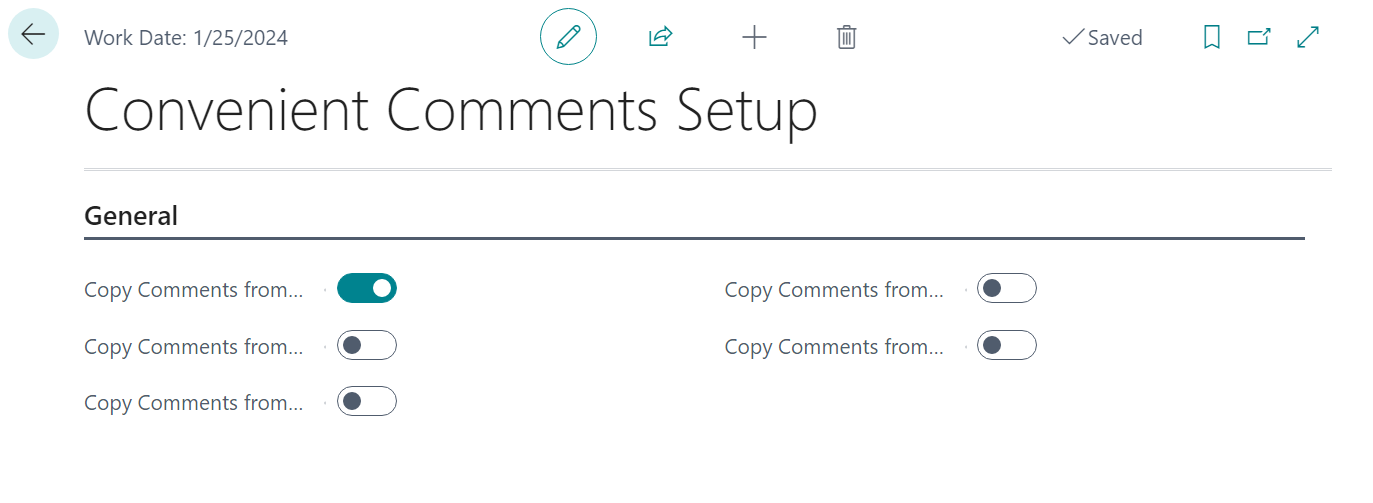
You can define this for the following master data:
- Customers
- Vendors
- Items
- Resources
- G/L Accounts
- Service Items
The available settings are as follows:
-
Copy Comments from Customer:
Specifies whether the comments are copied from the customer to sales, service documents or projects.
-
Copy Comments from Vendor:
Specifies whether the comments are copied from the vendor to purchase documents.
-
Copy Comments from Item:
Specifies whether the comments are copied from the item to sales, service, purchase, production and assembly documents.
-
Copy Comments from Resource:
Specifies whether the comments are copied from the resource to sales, service, purchase and assembly documents.
-
Copy Comments from G/L Account:
Specifies whether the comments are copied from the G/L account to sales, service and purchase documents.
-
Copy Comments from Service Item:
Specifies whether the comments are copied from the service item to service documents.
Usage
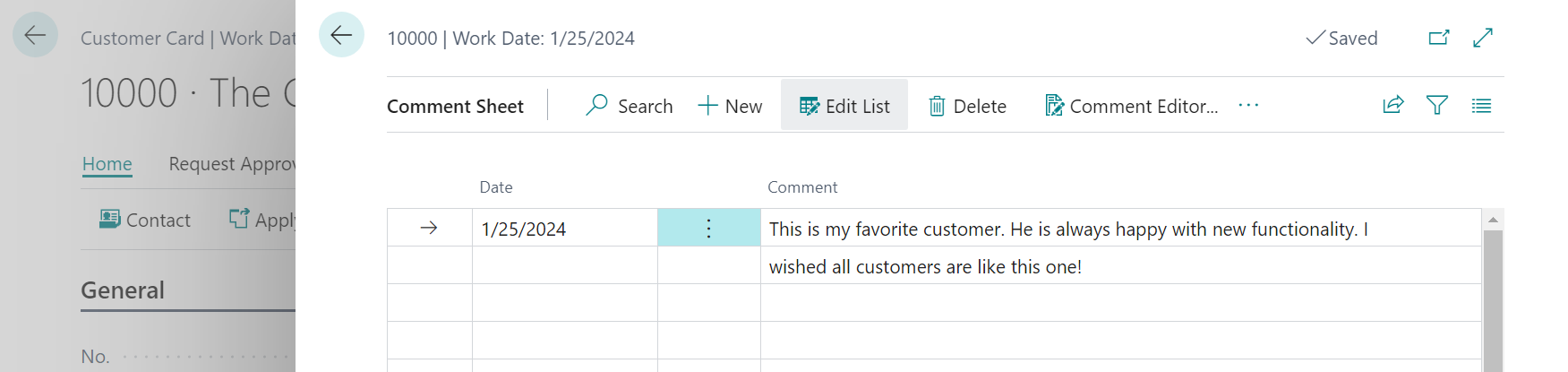
For customer and vendor comments, the comments will be transferred to the header of the document. Here is an example:
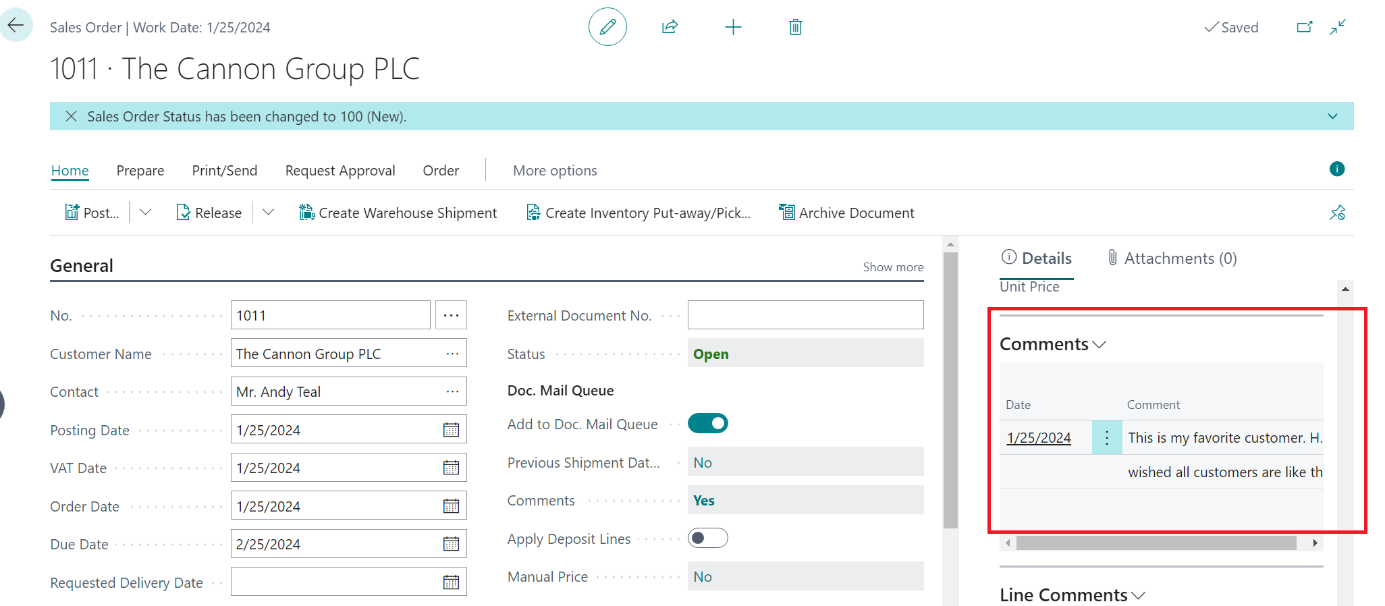
When you create an order for this customer with the setting above enabled, the comment will be transferred to the sales order:
The following transfer functionality is implemented (for each respective setting):
Copy Comments from Item
When the setting is Yes, the comment lines of the Item are copied to:
- Sales Lines
- Purchase Lines
- Assembly Lines / Assembly Header (depending on where the item is used)
- Production Header / Line, BOM line (depending on where the item is used)
- Service Lines
- Project Planning Lines
Copy Comments from Resource
When the setting is Yes, the comment lines of the Resource are copied to:
- Sales Lines
- Purchase Lines
- Assembly Lines
- Service Lines
- Project Planning Lines
Copy Comments from Customer
When the setting is Yes, the comment lines of the Customer are copied to:
- Sales Header
- Service Header
- Project
Copy Comments from Vendor
When the setting is Yes, the comment lines of the Vendor are copied to:
- Purchase Lines
Copy Comments from G/L Account
When the setting is Yes, the comment lines of the G/L account are copied to:
- Sales Lines
- Purchase Lines
- Service Lines
- Project Planning Lines