Fixed Comments
Important
To use this functionality in a Business Central Production environment a subscription for the Convenient Comments Pro product is required.
You can test out this feature for free in a Business Central online Sandbox environment.
The Fixed Comments feature allows you to create fixed comments (or, in other words, "comment template sets") which can be entered on a document with just a few clicks.
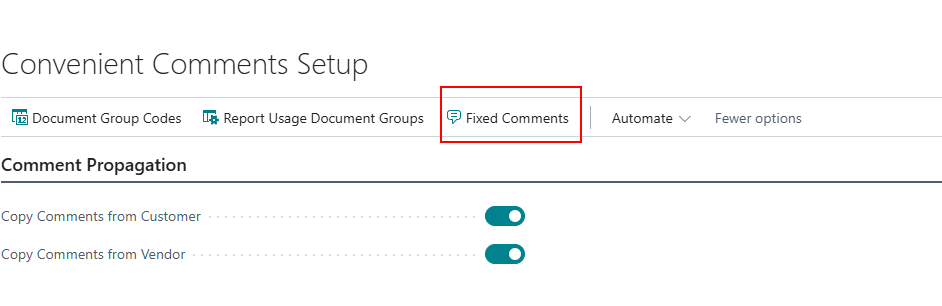
Open the Convenient Comments Setup page and invoke the Fixed Comments action to open the Fixed Comments page which allows you to set up and/or edit fixed comment sets.
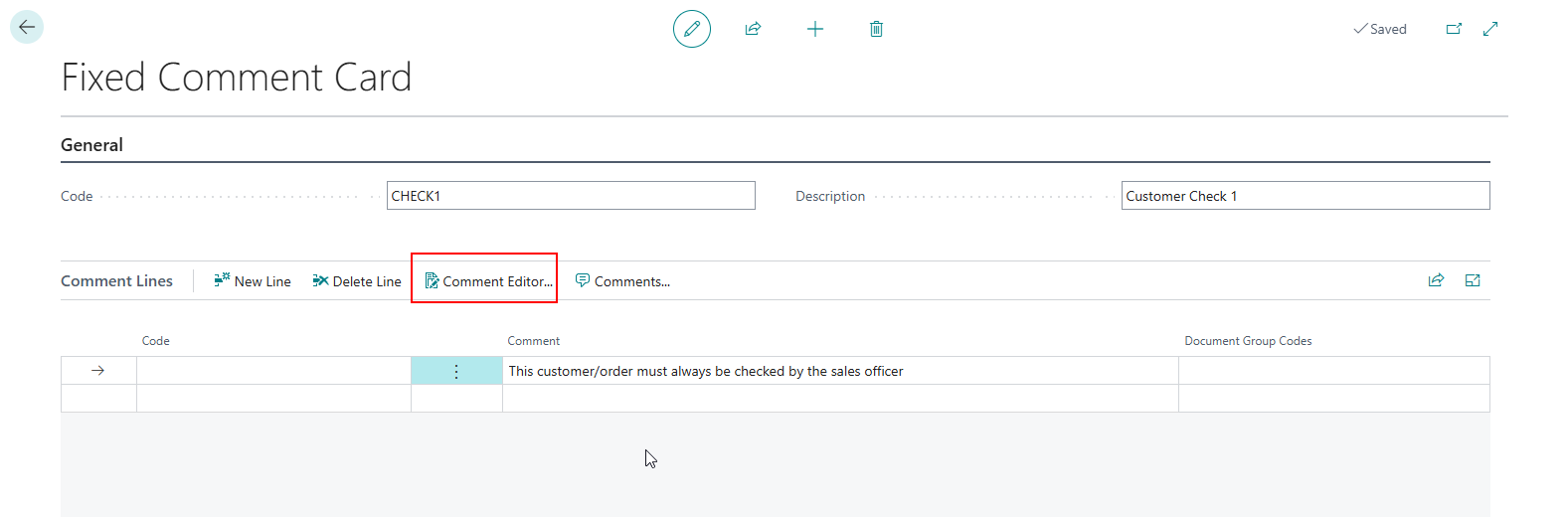
From this page you can create/edit fixed comment sets via the Fixed Comment Card page. A Fixed Comment record has a Code that unique identifies the fixed comment set, and a Description that is used to describe its intended purpose.
You can use the Comment Editor action to quickly enter longer text (i.e., text that consists of multiple lines, typically entered via Copy & Paste):
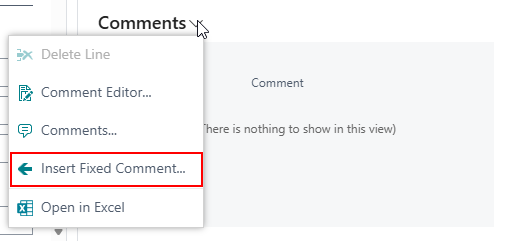
In the Comment factboxes and Comment Sheet pages across Business Central, an Insert Fixed Comment action is available to quickly add the comment lines of fixed comments to the related record: